WEVA Features
The WAGO Energy Visualization App (WEVA) is an professional-grade ecosystem engineered for high-precision energy management. By combining deterministic data polling with modern visualization, it empowers plant engineers to optimize consumption and ensure network stability.
🏗️ Local Network Server Architecture
Unlike cloud-dependent solutions, WEVA operates strictly within your local industrial network.
- Zero Latency: Direct interaction with on-site controllers.
- Data Sovereignty: Your energy data never leaves your facility.
- High Availability: Independent of external internet outages.
📊 Real-Time Power Analysis
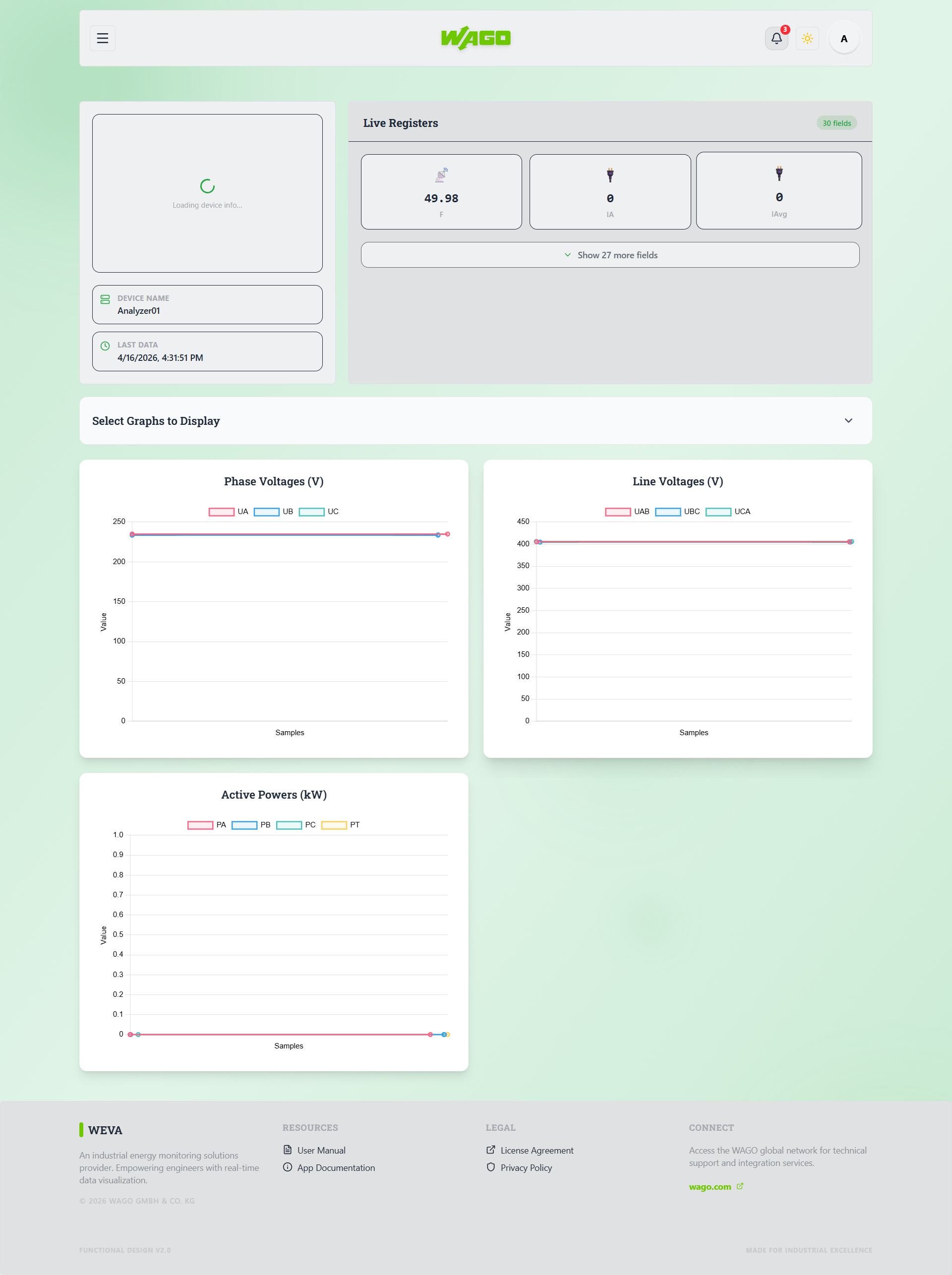
Visualize critical electrical parameters with laboratory-grade precision.
- Easy Graph Creation: Easily plot real-time graphs from the data gotten.
- Dynamic Charting: Interactive trend analysis for voltage, current, and frequency.
- Instantaneous Values: Live updates from every connected Modbus device.
🛠️ Configuration & Control
WEVA provides bidirectional communication for active device management.
- Modbus Write Support: Modify register setpoints directly from the web interface.
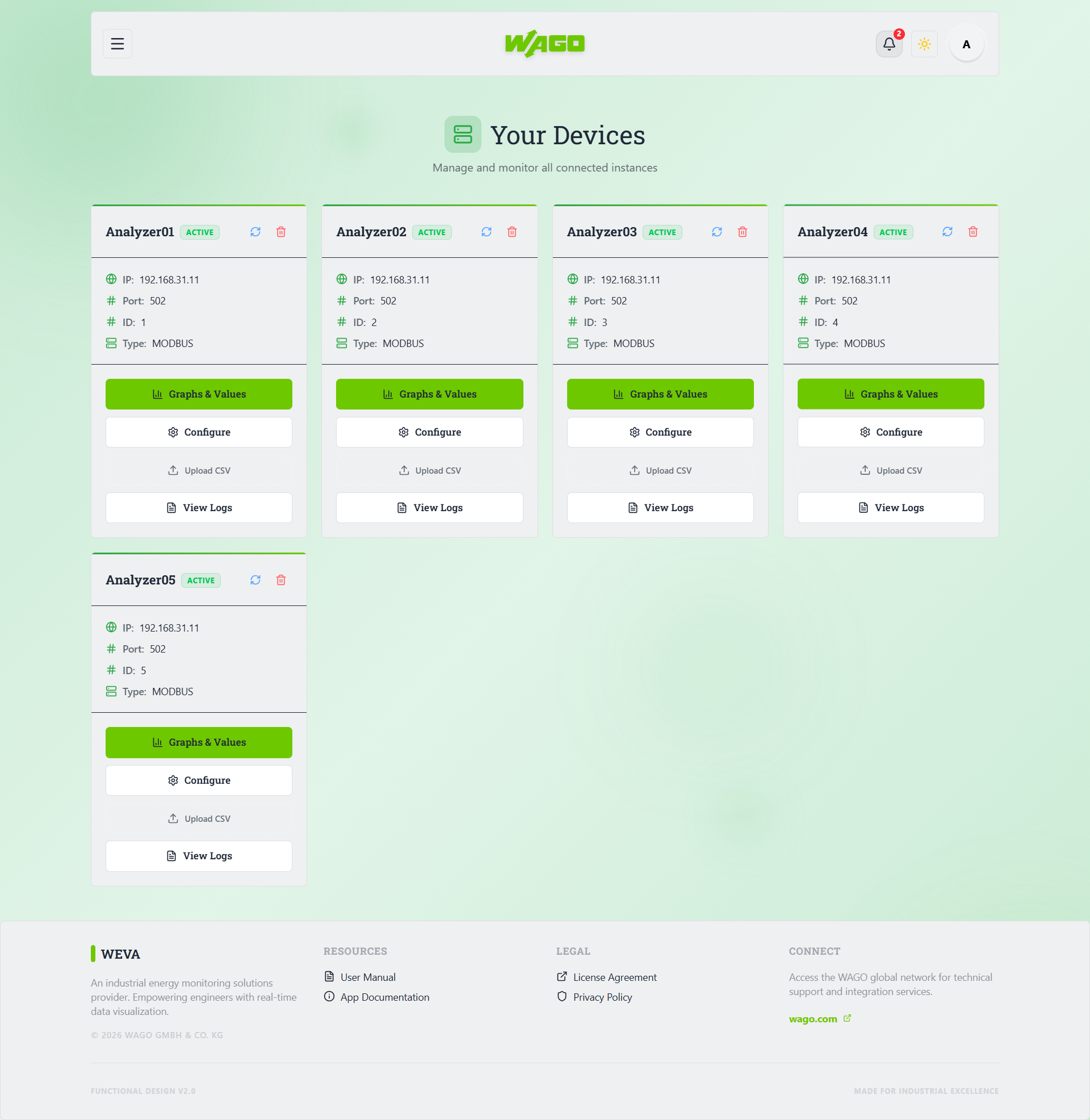
- Device Management: Add and configure new WAGO controllers without downtime.
- User Permissions: Granular access control for Admins and Viewers.
🚨 Intelligent Alarm Management
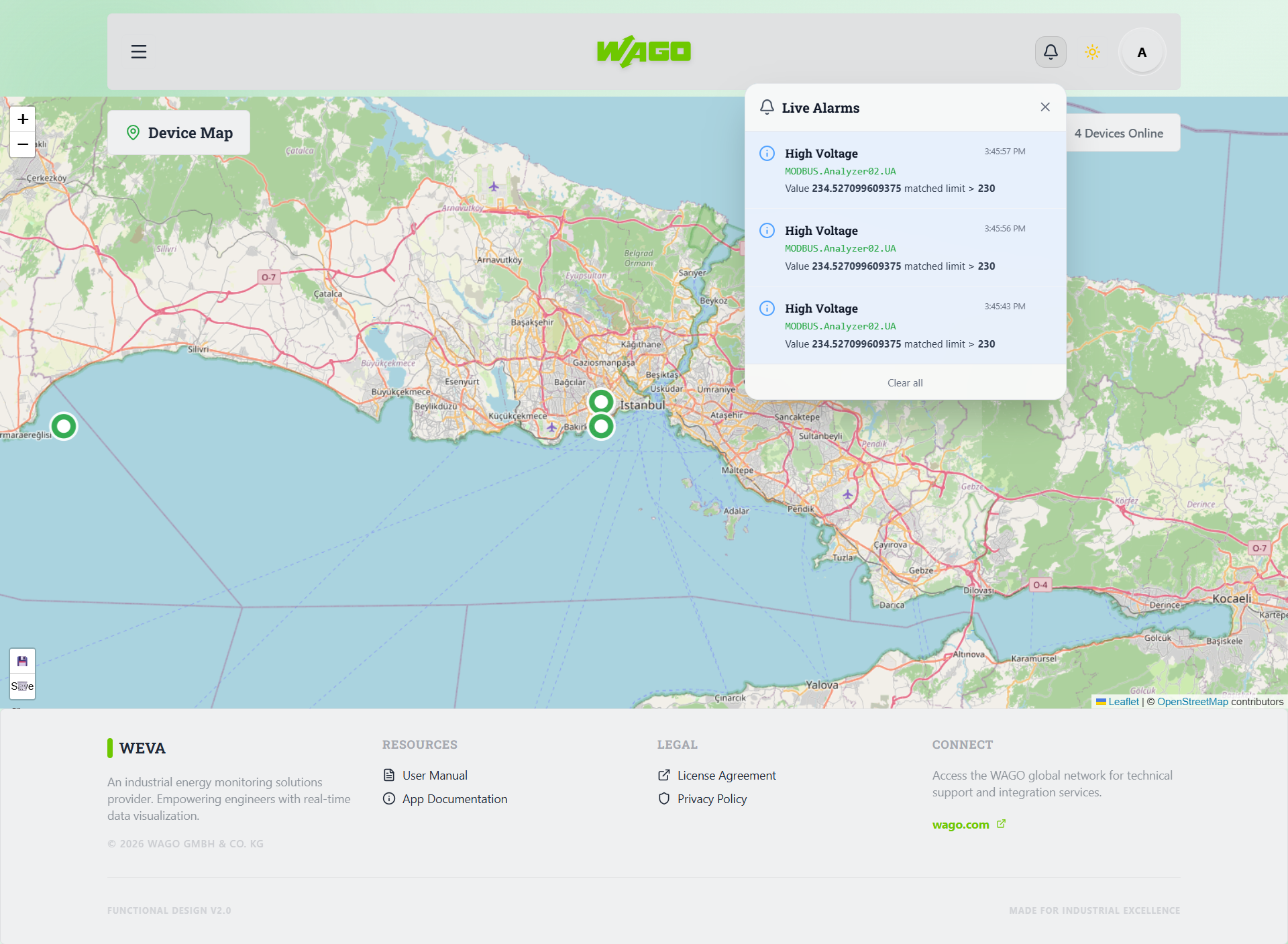
WEVA provides user defined thresholds for various measurements. When a measurement exceeds the defined threshold, the user will be notified.
- Critical Errors: High-priority alerts when thresholds are exceeded. Once acknowledged, the alert will be cleared.
- Threshold Warnings: Thresholds can be set to trigger an alert when a measurement exceeds or drops below a certain value. No acknowledgment is required for these warnings.
- System Information: Alarms simply for notifications. No acknowledgment is required for these warnings. These alerts are purely informational and do not require any user interaction.
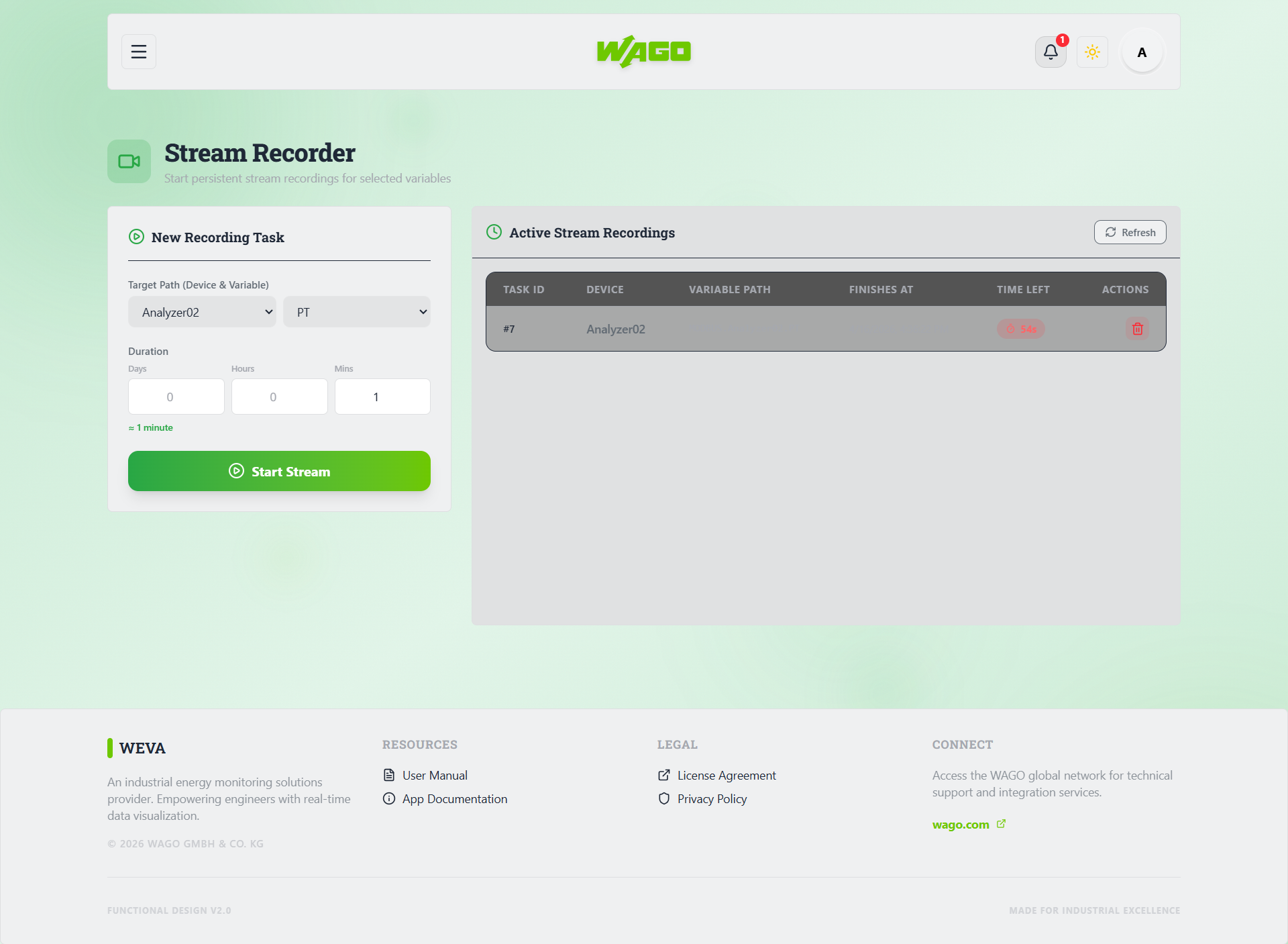
💾 Long-Term Data Retention
Data points streamed and recorded by users are persisted to a database.
- SQL Persistence: Reliable storage of historical trends.
- CSV Export: Standardized data extraction in CSV format only.
- Data Integrity: Continuous logging even when the user interface is closed.
NOTE: This works as long as the Docker container is not interrupted